
How To Buy A Website Domain For Your Business In 5-Mins

Updated: Aug 6
If you're planning to start selling online, you will need to start by getting a domain for your business.
In this article, I will be guiding you through everything you need to know about purchasing a domain for your website.

What Is A Website Domain?
A website domain is basically a the address of your website. It's what your customers will type into the address bar when they want to access your website. For example, .com, .net, .org are all different domain extensions you can get for your website.
Buying A Website Domain In Malaysia
Acquiring a domain may vary depending on your country location. You will also be able to purchase a local domain extension such as .my or .com.my, if you're located in Malaysia.
If you are from a different country you can also consider getting your own local domain extension for your website.
Find A Domain Registrar
Search For Your Domain
Complete Your Order
1. Find A Domain Registrar
To acquire a domain for your website, you need to first find a domain registrar. We normally use GoDaddy.com to acquire domains for ourselves and our clients.

2. Search For Your Domain
All domain registrars allow you to search for available domains. Just type in the name of your business and you'll see a list of available domains names & extensions that is available for your business.
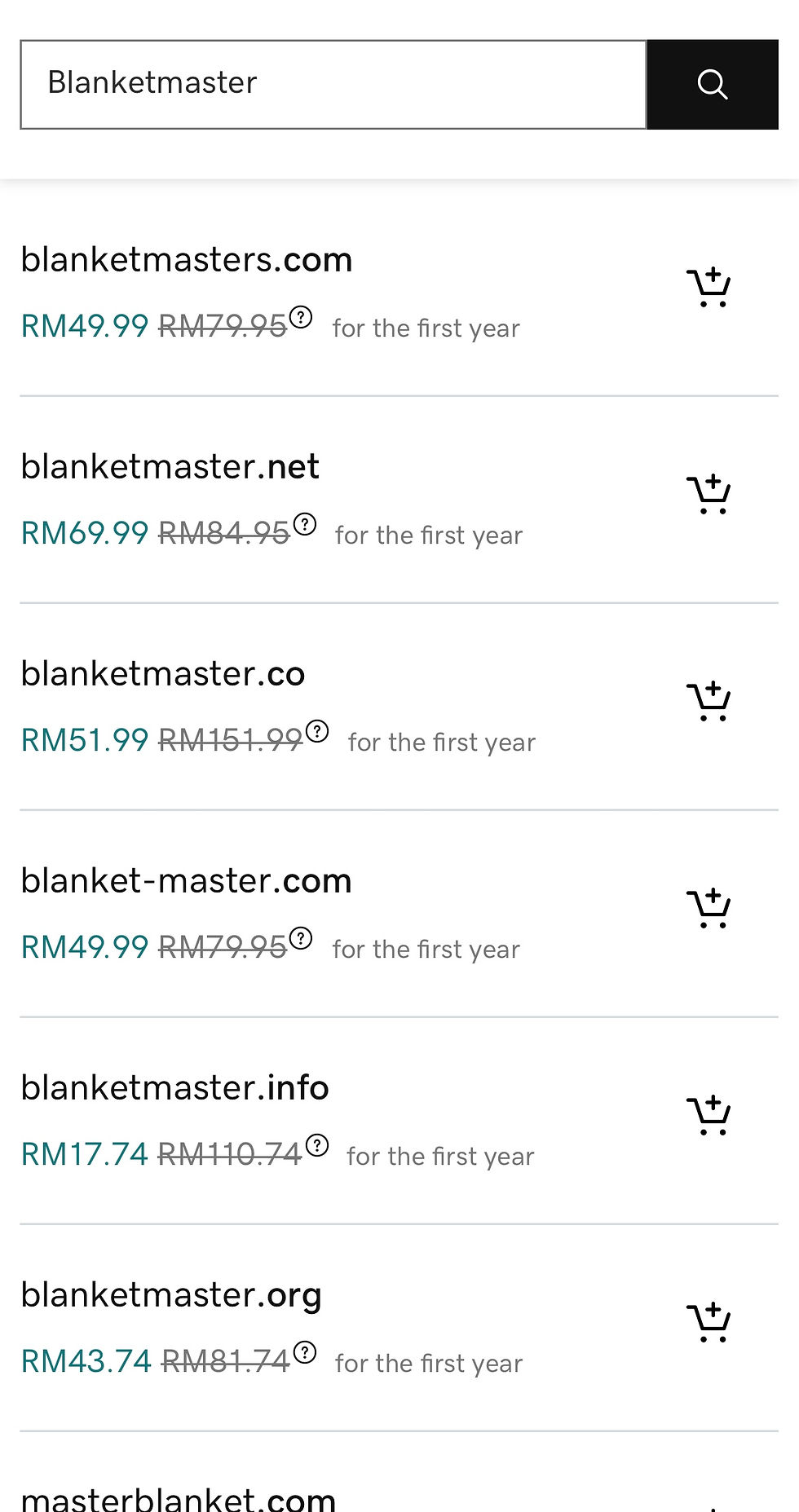
Some general guidelines:
(1) Domain extensions like .com, .co, .net are mostly the same. It's just that your customers might be more used to typing in (.com).
(2) It's best to keep your domain less than 15 words. Any longer than that will make it harder for your customers to remember or make a mistake while typing it in the website address.
(3) Remember to re-new your domain before they expire. You have a period of 30 days to re-new your domain license once it expires, before other people are able to purchase it.
3. Complete Your Order
Log-in or sign-up to an account. Remember to keep your login credentials secured and somewhere only you can access it. You will need this account to connect your domain to your website later on.
Select your preferred domain name and add it to cart. For GoDaddy users, you will be able to choose any add-ons you would like together with your domain.
We recommend adding a Full Domain Protection to have that extra layer of security to protect your brand's most valuable asset. Plus, it doesn't cost too much extra per year, compared to Ultimate Domain Protection.

Continue to complete your order and you'll successfully acquire a domain for your website.
You will receive a invoice and confirmation email from your domain registrar. If not, please check your spam/ junk folder.


Comments